Product Approval on HstockPlus: Your Account Is Reviewed, Your Listing Is Not
Listings publish immediately. Nothing sits in a queue and nobody reads it first. The review that does exist happens once, on your supplier account, before you can list at all. Here is what genuinely blocks a submit, and what can remove a listing after it is live.
 Sarah Johnson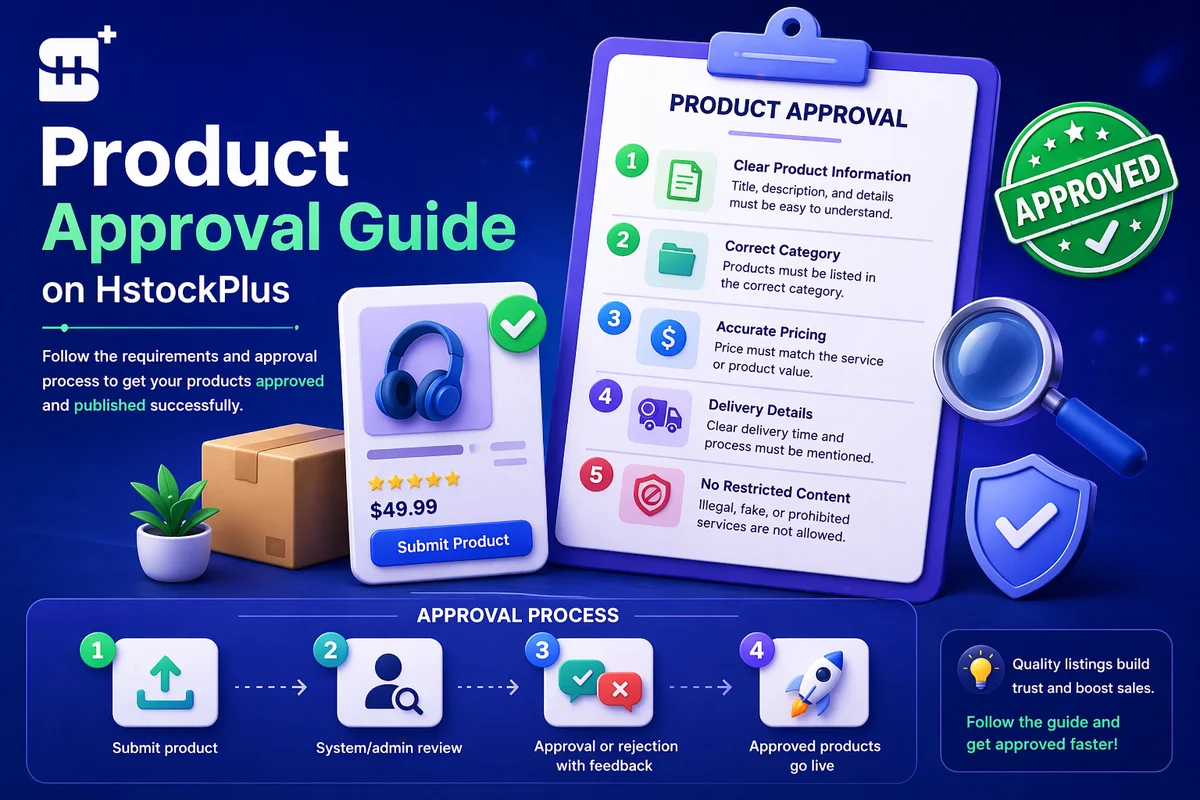
If you are here because you published a listing and are waiting to hear back, stop waiting. It is already live. The platform runs with automatic approval switched on, which means a supplier submission that passes the form's own checks is marked approved and set active in the same request that created it.
The numbers say it plainly. Across the entire catalogue of roughly thirty five thousand products there are thirty three drafts, one rejection, and nothing pending. Not one listing is currently sitting in a queue, and only a single listing in the site's history has ever been rejected by hand.
The review you are thinking of happened earlier, to your account
There is a real approval step, and you have already been through it. Creating listings requires a supplier account in approved state, and that approval is manual. Of the accounts that have applied, around twelve hundred are approved, nineteen were rejected and a handful are pending at any given moment.
That is where a human looks at you. Once you are through it, the platform's assumption is that you know what you are doing, and it stops checking your work in advance.
What genuinely stops a submit
The form rejects for a specific and short list of reasons. All of them are structural rather than editorial, so none of them is a judgement about your listing quality.
- Missing required fields, and specifically at least one variant carrying a name, a price and a stock figure. A product with no variant is refused.
- Product type. You may choose manual or inventory. The third type, which pulls stock from an external source, is restricted to trusted accounts and to staff.
- Your listing cap. This counts products only and rises with your seller level. Growth-service listings do not count against it.
- Warranty below the floor. The field is in hours and the current minimum is four. Anything shorter is refused outright unless your account is trusted or has been given its own floor.
- A blank required field. Category, subcategory, name, description and product type. The form names what you left out.
If none of those applies, you will not see an error, because there is nothing else in the path that can produce one. The dialogue asking whether you have translated your copy into English is a confirmation rather than a refusal, and it does not appear at all in Simple Mode.
Where the checking actually happens, which is afterwards
Nothing reads your listing before it publishes. Several things read it after, on a schedule, and these are the mechanisms that decide whether it stays up and where it sits.
- Category re-classification, hourly. A job re-derives the right category and subcategory from your product name and rewrites both in place. If you filed a listing in the wrong shelf, you did not get away with it and you also did not need to fix it; it will be moved without asking you.
- Auto-tagging, hourly. The filter tags buyers use to narrow a shelf are derived from your text on the same kind of schedule, which is why editing your title and description changes which filters you appear under.
- A contact-detail scan, daily. Product names, descriptions, FAQ entries and variant text are scanned for attempts to move a buyer off the platform. A flag does not by itself remove anything; it puts the listing in front of an administrator, and if they act, the listing is deactivated and blacklisted together and only support can restore it. You are notified when that happens.
- A warranty sweep. If the site minimum is raised, listings already below it are deactivated retroactively rather than grandfathered.
The scale of this is worth seeing. More than half of all products in the catalogue are currently inactive, and several thousand are blacklisted. Almost none of that happened at submission time. Approval is not the filter here; what happens after publication is.
A rejected listing cannot tell you why
In the rare case that a listing is rejected by hand, you will see a status change and nothing else. This is not an oversight in the interface. The product record has no field for a rejection reason, and the endpoint an administrator uses accepts the new status and no message at all, so there is no reason to display because none was ever captured.
So if a listing of yours goes inactive, guessing at the cause is wasted effort. Open a support ticket and ask, because the record itself is holding no explanation for you to find.
The note on the Add Product screen is out of date
The publishing sidebar carries a line reading that the product will be reviewed before going live. It will not be. That note was written for a configuration this site does not currently run, and it is the single most common reason sellers write in asking how long approval takes. Treat your listing as live from the moment the form succeeds.
Writing a listing that survives, given none of it is checked first
The five editorial requirements the old version of this page listed were reasonable advice presented as rules. They are worth keeping as advice, restated against what actually enforces them:
- Put no contact details anywhere. Not in the title, not in the description, not in a FAQ answer, not in a variant name. This is the one editorial rule with real teeth, and it costs you the listing permanently rather than sending it back for another try.
- Name the product for what it is. Not because a reviewer reads it, but because a classifier does, and it will move your listing to wherever the name points.
- Set a warranty you can honour. The floor is four hours and it is the floor rather than a target. The clock on whatever you promise starts when the buyer receives the goods rather than when they pay, and that window is what a complaint has to fit inside.
- Keep the stock figure honest. There is a separate base-stock field that adds a display number on top of your real stock, and it is genuinely optional. Inflating it does not add sellable inventory, it only changes what the card shows.