Creating a Manual SMM Service: The Screen It Is Actually On
A growth service is not a product with a URL box bolted on. It lives on its own screen, has no variants and no warranty field, goes live without approval, and does not count against your listing cap. Here is the form, field by field, and the API default that hides 97 per cent of the catalogue.
 Michael Chen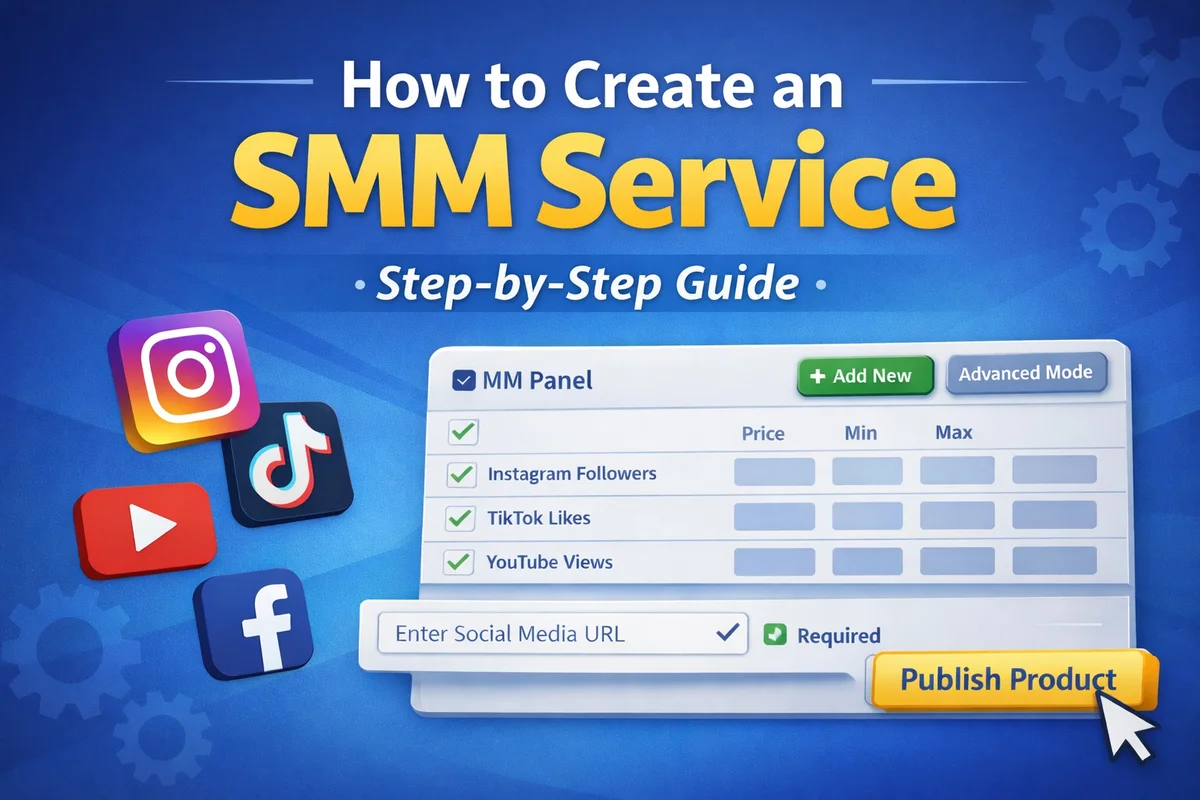
If you have been trying to create a growth service from the product form, that is why it has not worked. A growth service is not a product. It is a separate kind of record on a separate screen, and almost nothing you know from listing accounts carries over.
Four differences decide everything else:
- No variants. One service is one price, and the price is per thousand units.
- No warranty field. Every growth-service order carries the same fixed window, and you cannot change it.
- No approval queue. The service is live the moment you press create.
- No listing cap. Products are capped by supplier level. Growth services are explicitly uncapped.
Finding the screen
In the supplier dashboard sidebar, the group is SMM Panel and the entry is Services, at /supplier/smm-services. The page header reads "SMM Services" over the subtitle "Manage your manual and imported SMM services", and the button on the right is Create Service. It opens a modal titled Create Manual Service.
The two sibling entries in that group, SMM Providers and Import Services, are the other half of the story: they pull a catalogue in wholesale from an upstream panel. This guide is about the manual route, where you type one service in yourself.
The six required fields
Everything with an asterisk in the modal, in the order the form presents it.
- Service Name. Up to 200 characters. The form's own example is "Instagram Followers (Premium)". This is the whole of your shop window, and on this shelf sellers use it as a spec sheet rather than a title. Live listings routinely carry the geography, the daily speed, the start delay and the refill terms all in the name.
- Service Type. Three options, and the modal tells you what each one asks the buyer for: Default, where the customer provides a link and a quantity; Custom Comments, where the customer provides a link and the comment text; Subscriptions, where the customer provides a username plus minimum and maximum quantities and delay settings.
- Platform. A dropdown built from the live platform list, so it is the same set buyers browse.
- Category. Free text, or one of your existing custom categories. The form's example is "Instagram Followers". This is what groups your service on the storefront, so match the wording of whatever else you sell on that platform.
- Price per 1000. Not a unit price. The whole shelf is quoted per thousand, and a buyer comparing you against nine other sellers is reading that number directly.
- Min Purchase Quantity and Max Quantity. Both whole numbers, both required for a manual service. The maximum is only optional when the service is wired to an upstream provider.
Optional but worth filling: a description of up to 2,000 characters, a FontAwesome icon class and hex colour, and a display order where a lower number sorts higher.
Three checkboxes that are the entire trust signal on this shelf
Below the price fields sit Refill Available, Cancel Allowed and Drip-feed Supported. They look like minor flags. On this shelf they are the only structured promises a buyer can filter or compare on, and they are scarcer than you would guess.
Across the 30,629 growth services currently visible on the site, refill is offered on roughly one in twelve. On twelve of the thirty-four platforms carrying twenty or more services, not a single listing offers it. Drip-feed is common, at around two in five. Cancel sits near two in five as well, and varies enormously by platform.
Which is to say: ticking Refill Available puts you in a small minority. Whether it earns you a higher price is a different question, and the honest answer is that the catalogue does not show one. Three separate ways of pairing refill against no-refill listings from the same seller put the refill version ahead about half the time, and the size of the gap swings so much between methods that there is no stable premium to quote. Treat refill as a promise you make because you can keep it, not as a lever on price.
Do not tick a box you cannot stand behind. Refill and cancel are the two things buyers open tickets about, and a growth-service order carries a fixed three-day after-sales window from the moment it is delivered. You cannot shorten it on the listing and you cannot extend it either.
Product Type, and why you probably will not see it
There is a Product Type selector in the modal with Manual and Auto options, and it only appears when the Service Type is Subscriptions. For every other service type the field is not rendered and the record is created as manual, which is what you want if you are fulfilling by hand or through your own integration.
Choosing Auto commits you to an upstream provider and a provider service id, and the maximum quantity then comes from the provider's own configuration rather than from your input.
What happens on submit, and what does not
The button is Create Service. There is no draft state, no pending state and no approval step. The record is created active and is immediately eligible for the public catalogue, subject to one condition that is easy to overlook: your shop has to be an active, listed shop. A service belonging to a supplier with no listed shop will exist in your dashboard and appear nowhere public.
There is also no warranty field, because there is nothing to set. Every growth-service order gets exactly three days of after-sales window measured from delivery rather than from payment, in code, identically for every listing on the site. Account listings work the other way round and carry their own per-listing warranty, so if you sell both, do not carry assumptions across.
And unlike products, growth services do not count against your listing allowance. The product limit error says so outright when you hit it. Listing a hundred services costs you nothing in product slots.
The manual route is rare, and that is the opportunity
Worth being straight about the numbers before you invest an afternoon in this. Of the 30,629 growth services currently visible, thirty are manual. The other 30,599 came in through provider imports. On the order side, three completed orders in the site's whole history came from a manually created growth service, against 4,730 from imported ones.
Two readings of that, and both are true. Manual creation is not how the catalogue got built, so do not expect the traffic an imported catalogue gets by volume alone. But an imported catalogue is also what every other seller has, which is why the ten owners on this shelf hold between two and ten sellers' worth of overlapping stock on the same platforms, with the largest single seller holding between 19 and 64 per cent of any one platform's listings. A hand-written service naming something specific that the imported catalogues do not carry is the one thing on this shelf that is not a commodity.
Where your service shows up, and the API default that hides it
Public listings appear under growth services, with per-platform pages at paths like the Instagram page. Your own service appears there alongside every other seller's, sorted by the storefront's ordering rather than by who listed first.
If you or your developer read the catalogue through the public API, there is one parameter that decides whether you see the shelf or a corner of it. The services endpoints default to a single supplier's slice: without merge=all they return the system supplier's services only. Measured on the live catalogue that default is 797 services out of 30,629, about one in thirty-eight, across fourteen of the thirty-six platforms.
So an integration that omits the parameter will conclude the catalogue is small, that most platforms do not exist, and that whatever price range it sampled is representative. None of those will be true. The site's own pages pass merge=all; anything you build should too.
Before you press create
- Name the service the way the shelf does: platform, what is delivered, geography if it matters, speed, and the refill terms.
- Quote the price per thousand, and check it against what else is listed on that platform rather than against your cost.
- Set minimum and maximum honestly. Both are hard limits at checkout.
- Tick only the promises you will honour, remembering that refill is a genuine premium and a genuine obligation.
- Confirm your shop is active and listed, or the service will be invisible outside your own dashboard.
If you are also listing accounts, the rules there are almost entirely different and are covered in the product management guide. For fulfilling orders through the API, including growth-service orders, see the manual orders API guide.