Comment créer un compte acheteur sur HstockPlus
Il n'y a pas de formulaire d'inscription à remplir. La première fois que vous vous connectez, le compte est créé, et si vous passez commande en tant qu'invité, un compte est créé pour vous sans que vous le demandiez. Voici ce que chaque parcours vous laisse réellement entre les mains.
 Avery Bennett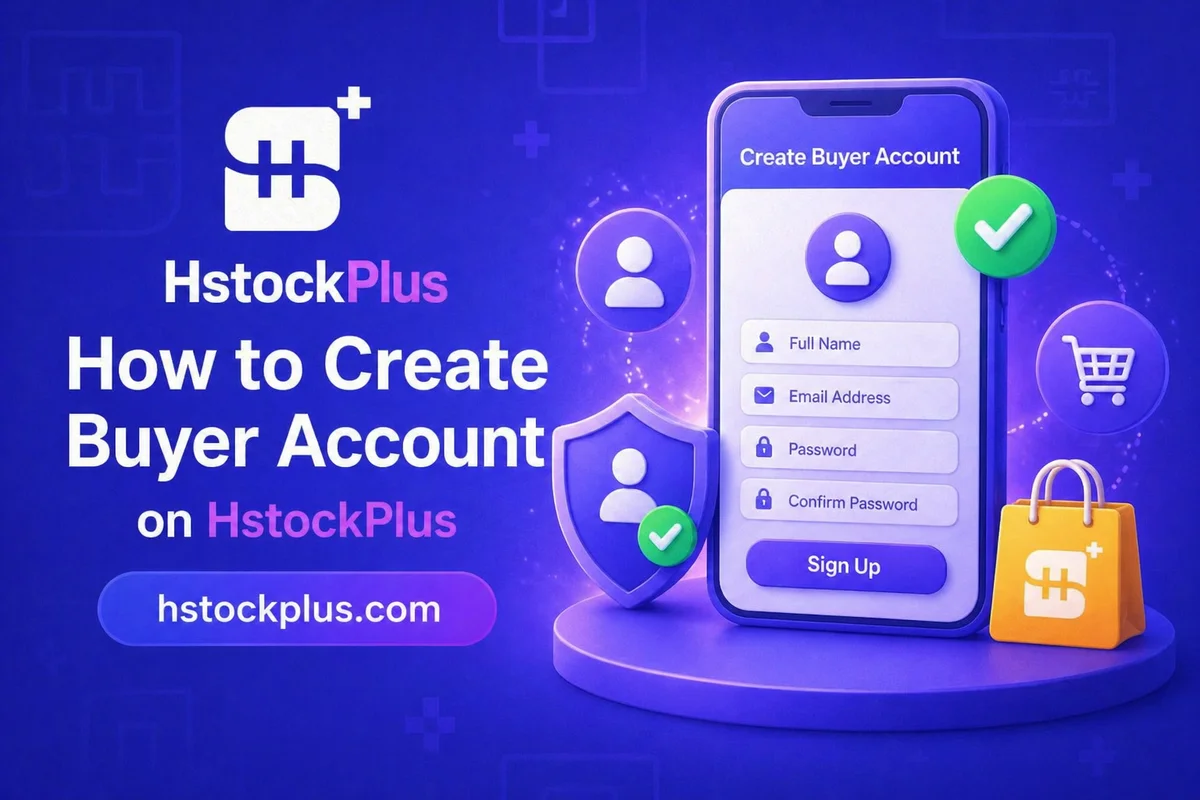
Most guides to creating an account on a marketplace describe a form: name, email, password, confirm password, tick the box. HstockPlus does not have one. There is no registration page anywhere on the site, and the first time you sign in is the moment the account comes into existence. The login screen says so in as many words.
That sounds like a technicality until you try to plan around it, at which point it changes three things: what you type, what you end up holding afterwards, and what happens if you lose it. This walks through each route in.
The button says "Get started" and it does not ask who you are
The call to action in the site header is labelled Get started, with a lowercase s, and it is the same button whether you intend to buy or to sell. It carries no role and asks no question. It takes you to the sign-in page, and that is all it does.
Worth knowing because a lot of writing about this site, including the version of this page you may have read before, described a buyer-or-seller choice appearing at that moment. It does not. The choice is real, but it is on the next screen.
Choose Customer before you choose how to sign in
The page you land on is headed Login or sign up, which is the site being accurate rather than indecisive: the same screen does both jobs. Near the top is a small control labelled Sign in as: with two options, Customer and Seller.
Customer is the default, so a buyer arriving from the header button can ignore this entirely. It matters in one direction only: if you meant to list products and you sign in on the Customer side, you have made a customer account and will need to come back. Sellers should use the supplier entry point rather than this one.
Four ways in, and what each leaves you holding
Below the role control are the actual sign-in methods. They are not interchangeable, because each one determines where the key to your account lives afterwards.
- Continue with Google. One click, no code, no password. Your Google account becomes the key. This is the most used route on the site after guest checkout.
- Email one-time code. The default when you pick the email option: you enter an address, a code arrives, you type it back. There is no password anywhere in this flow. Your inbox is the key.
- Telegram. The widget signs you in through your Telegram account. Rarely used here, a little over a hundred accounts.
- Sign in with password. A second tab next to the one-time code. This is not a route for a new buyer, because there is nothing to set a password with. It is for people who already have one, which in practice means guest buyers.
Across the nine and a half thousand accounts on the site, Google and the one-time code together account for the clear majority of anyone who signed in deliberately. Only around one account in twenty-four has a password its owner actually chose.
The account you get without asking for one
Guest checkout is the single largest way accounts come into existence here, ahead of Google and ahead of the one-time code. Roughly two in five of the accounts created in the last three months arrived this way, and their owners did not go near the sign-in page.
The sequence is worth being precise about, because a common assumption is wrong. Nothing is created when you fill in the checkout form. The account appears only once the order is actually paid, which is deliberate: it stops an abandoned basket from minting an account. At that point three things happen at once. A customer account is created against the email you gave. A password is generated for it, which you did not choose and have never seen. And that password is emailed to you.
The email itself is candid about the position this puts you in. It tells you to save the password somewhere safe, change it after you log in, and it notes plainly that email is not a secure channel. That advice is correct and worth acting on the same day, which is covered in the account safety guide.
What signing in first actually changes
You can buy without any of this. The reason to sign in first is not access, it is what survives the order.
- Order history in one place. A guest order is reachable, but through a link rather than a list.
- The ticket route. This is the one that matters. A ticket opened from the order page brings the seller into a shared thread and, while it stays open, the order cannot be confirmed and the seller's payout stays held. That is the whole of your leverage when something arrives broken, and it is easiest to reach from an account that shows you your orders.
- Member tiers. Spend accumulates into a discount level. The FAQ explains when the discount applies and when it does not, and member levels sets out the tiers.
Things that do not exist here, so you can stop looking
Half the difficulty people have with this site is hunting for features it was built without. The list is short and stable.
- No registration form. No /register, no /signup, no confirm-password field. Signing in is registering.
- No password to set on a new account. Google and the one-time code do not create one. You can add one later from your profile, under Account password, but nothing requires you to.
- No forgotten-password reset. There is no self-service reset for someone who is signed out. If you set a password and lose it, the way back in is Google or a one-time code, both of which go through your email. Which means your email is the real recovery mechanism whether or not you ever set a password.
- No two-factor on the HstockPlus account itself. There is a 2FA code generator on the site, and it is genuinely useful, but it is a tool for secret keys belonging to accounts you have bought. It does not protect your account here. Nothing does, beyond the inbox.
That last point is the one to carry away. On a site with no password on most accounts and no second factor on any of them, whoever can read your email can sign in as you. Securing the inbox is not one item on a checklist here; it is the entire lock.
Once you are in, adding balance and placing an order are the next two steps, and the catalogue starts at accounts and email.
Frequently Asked Questions
Il n’y en a pas. Aucune route /register ou /signup n’existe sur le site. La première fois que vous vous connectez, le compte est créé pour vous, et l’écran de connexion l’indique clairement. Si vous cherchiez un formulaire avec un champ de confirmation de mot de passe, il n’existe pas et n’a jamais existé.
Le bouton d’en-tête affiche « Commencer » et n’a aucun rôle particulier. Le choix entre Client et Vendeur se fait sur l’écran suivant, la page intitulée « Connexion ou inscription », sous une petite étiquette « Se connecter en tant que : ». Les options proposées sont Client et Vendeur, et Client est déjà sélectionné.
Pas via Google, Telegram ni le code à usage unique envoyé par e-mail. Aucune de ces méthodes ne crée de mot de passe, et on ne vous demande jamais d’en choisir un. Le seul moyen d’obtenir un mot de passe que vous n’avez pas choisi, c’est le paiement en tant qu’invité, qui en génère un et vous l’envoie par e-mail. Vous pouvez ensuite définir le vôtre depuis votre profil, mais environ un compte sur vingt-quatre l’a réellement fait.
Le code à usage unique est l’option par défaut et fonctionne pour tout le monde : vous saisissez votre e-mail, un code arrive, vous le saisissez à nouveau, et vous êtes connecté. L’onglet mot de passe ne fonctionne que si un mot de passe existe déjà sur votre compte, ce qui, pour la plupart des gens, signifie qu’ils ont d’abord effectué un achat en tant qu’invité. Un nouvel acheteur devrait utiliser le code.
Lorsque la commande est payée, et non lorsque vous remplissez le formulaire de commande. Une commande abandonnée ou impayée ne crée rien. Une fois le paiement effectué, un compte est créé avec l'e-mail que vous avez saisi, un mot de passe est généré pour ce compte et envoyé à cette adresse dans l'e-mail lui-même.
Il n’y a pas de lien « mot de passe oublié », car il n’existe pas de réinitialisation en libre-service pour un utilisateur déconnecté. Utilisez Google si cette adresse correspond, ou passez au code à usage unique par e-mail, qui ne nécessite pas du tout le mot de passe. Ces deux options passent par votre boîte de réception, donc c’est en réalité l’accès à cette boîte qui compte.
No. There is no second factor on a HstockPlus account, and no setting to enable one. The 2FA generator on the site is a different thing entirely: it turns a secret key into a six-digit code, for the secret keys that come with accounts you have purchased. Any guide telling you to enable 2FA on your account here is describing a feature that does not exist.
Avery Bennett
Consultant en médias sociaux et expert en growth hacking. Spécialisé dans la création de contenu viral et les stratégies de marketing d'influence pour les marques de toutes tailles.