Sécurité du compte sur HstockPlus : trois surfaces, et laquelle est réellement la vôtre à protéger
La plupart des conseils de sécurité pour ce site sont rédigés pour un site avec mots de passe et double authentification. Celui-ci n’en a ni l’un ni l’autre sur le compte lui-même. Ce qui vous protège, c’est votre boîte mail, la période de garantie, et la façon dont vous gérez les identifiants que vous avez achetés.
 Michael Chen
Advice about keeping a marketplace account safe tends to arrive as the same list every time: pick a long password, change it regularly, turn on two-factor authentication, log out of shared devices. That list has been on this page for a while. Almost none of it applies here, and one item on it describes a feature this site does not have.
So this is the honest version. There are three things worth protecting when you buy on HstockPlus, only one of them is what most people expect, and the strongest protection you have is not a security setting at all.
Your account probably has no password, and definitely has no second factor
Of the roughly nine and a half thousand accounts on the site, most were created by signing in with Google or by typing a one-time code sent to an email address. Neither route creates a password. Fewer than one account in twenty has a password its owner actually chose.
There is also no two-factor authentication on a HstockPlus account. Not disabled, not optional, not hidden in settings. It does not exist, and no page will offer it to you.
This causes real confusion, because the site does have a page about 2FA codes. That page is a generator: you paste in a secret key and it computes the six-digit code. It is for the secret keys that arrive with accounts you have bought, and it does its work in your browser rather than on the server. It is a useful tool. It is not protecting your account here, and no setting on this site does.
Surface one: the inbox, which is the whole lock
Put those two facts together and the conclusion is uncomfortable but simple. If signing in means Google or a code sent to your email, then whoever can read your email can sign in as you. There is no password to stop them and no second factor to slow them down.
Which reframes what account security means here. It is not something you configure on this site. It is entirely a question of how well defended the mailbox is that you used, and that defence lives at your email provider, not here.
Practically, that means the things worth doing are all somewhere else: a second factor on the Google or email account itself, a recovery address on it that you still control, and a look at which apps and devices that provider says are signed in. Google and the major mail providers all offer those. This site offers none of them, so the mailbox is where the effort belongs.
One consequence to plan for. Because there is no forgotten-password reset for a signed-out user, losing access to that inbox is losing access to the account, including its balance and its order history. There is no support route that restores it, because there is nothing for support to verify you against.
Surface two: the password you were given without asking
Guest checkout is the biggest single way accounts are created here, and it works differently. Once your order is paid, an account is made against the email you typed in, a password is generated for it, and that password is sent to you by email. You never chose it and you have never seen it anywhere else.
The email is unusually candid about what this means. It tells you to save the password somewhere safe, to change it once you have logged in, and it states plainly that email is not a secure channel. All three are correct. Act on the middle one.
Changing it is genuinely quick: sign in, open your profile, and there is an Account password section. While you are still on the password you were given, you can replace it without entering the old one. That convenience cuts the way you would expect, though. Anyone else holding that email can do exactly the same thing, and the message sits in an inbox indefinitely unless you deal with it. It is worth doing the day the order lands rather than the week after.
Two things not to expect while you are in there. There is no list of active sessions and no log-out-everywhere button, so changing the password does not evict anyone. And there is still no self-service reset afterwards, so once you set your own password, the routes back in are Google or a one-time code, which is to say the inbox again.
Surface three: the credentials you paid for
This is the one people underestimate, because it does not feel like account security. When you buy an account, you receive somebody else's login. Until you change what is attached to it, the seller can still reach it, and the recovery address on it is theirs rather than yours.
The order to do things in matters more than the speed. Sign in and confirm what you were given actually works. Look at what recovery address and phone number are set, because that is what decides whether the account is durably yours. Check for sessions the platform itself lists. Only then start changing things, and not all at once on the first day, because a burst of changes is what tends to trigger a verification prompt you cannot answer.
The first three of those belong inside the warranty window. The last one deliberately does not. The twelve checks guide sets out which can be made before you pay and which cannot be made until after.
What actually protects you, and it is not a setting
The real safety mechanism on this site is the order itself, and it runs on a clock.
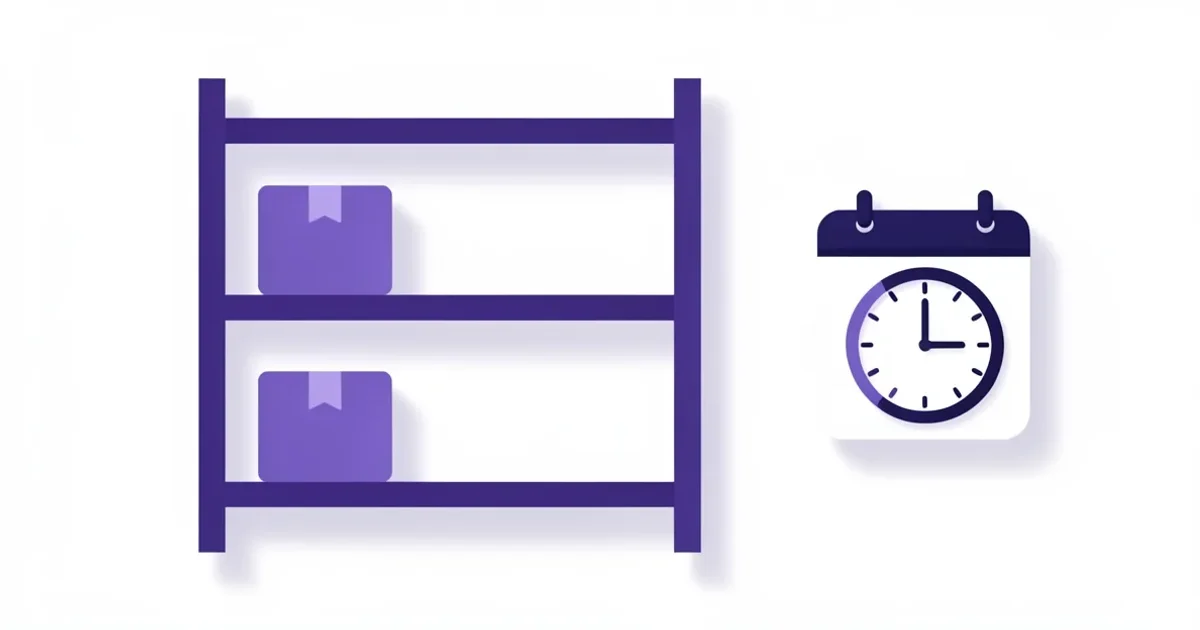
When a supplier delivers, the money does not reach them straight away. It sits until you confirm, or until a countdown expires, and the countdown is one to three days depending on the supplier's level, measured from the date the order was placed rather than from delivery. When it runs out the order confirms itself and the funds release.
Three out of four orders on this site end that way. The buyer never confirms, the timer simply expires. Which means most people are not using the window they were given, and are learning what they bought after the leverage has gone.
The lever, while the window is open, is a ticket opened from the order page. It does two things at once. It puts you and the seller in the same thread rather than leaving you to argue by email, and while it stays open the order cannot be confirmed and the seller's payout stays held. That is real, mechanical leverage, and it is the only kind you get. It also outlasts the timer: a ticket opened before the countdown expires stops the auto-confirmation from running.
So the single most useful safety habit here is not a password rule. It is testing what you received on the day it arrives, and opening a ticket while the money is still on the table rather than after it has moved.
The phishing line, stated accurately
The old version of this page said HstockPlus will never ask for your password. That is true, and there is a structural reason for it worth knowing, because it makes the rule easier to apply than a bare warning does.
Nobody handling your problem needs your password, because a ticket raised from an order already proves which order it is and who you are. If a message asks for your account password, or for the one-time login code that just arrived in your inbox, it is not coming from a route that has any use for either. The login code in particular is the whole key to your account, and it is the one thing that will ever be worth asking you for.
The same applies to the credentials of an account you bought. Support and the seller both see the order and what was delivered against it. A request to send them the password of something you already own is a request for something they can already see.
If something has gone wrong with an order, the routes that work are in the support and documentation map. For what happens when a seller and a buyer disagree, see opening a dispute.