Fingerprint Browsers: Two Different Meanings, and What They Do for Multiple Accounts
Search the term and most results are pages that test your own browser fingerprint, which is a different thing entirely. Here is the separation, the honest answer on free and open-source options, and what the tools are actually good at.
 Avery Bennett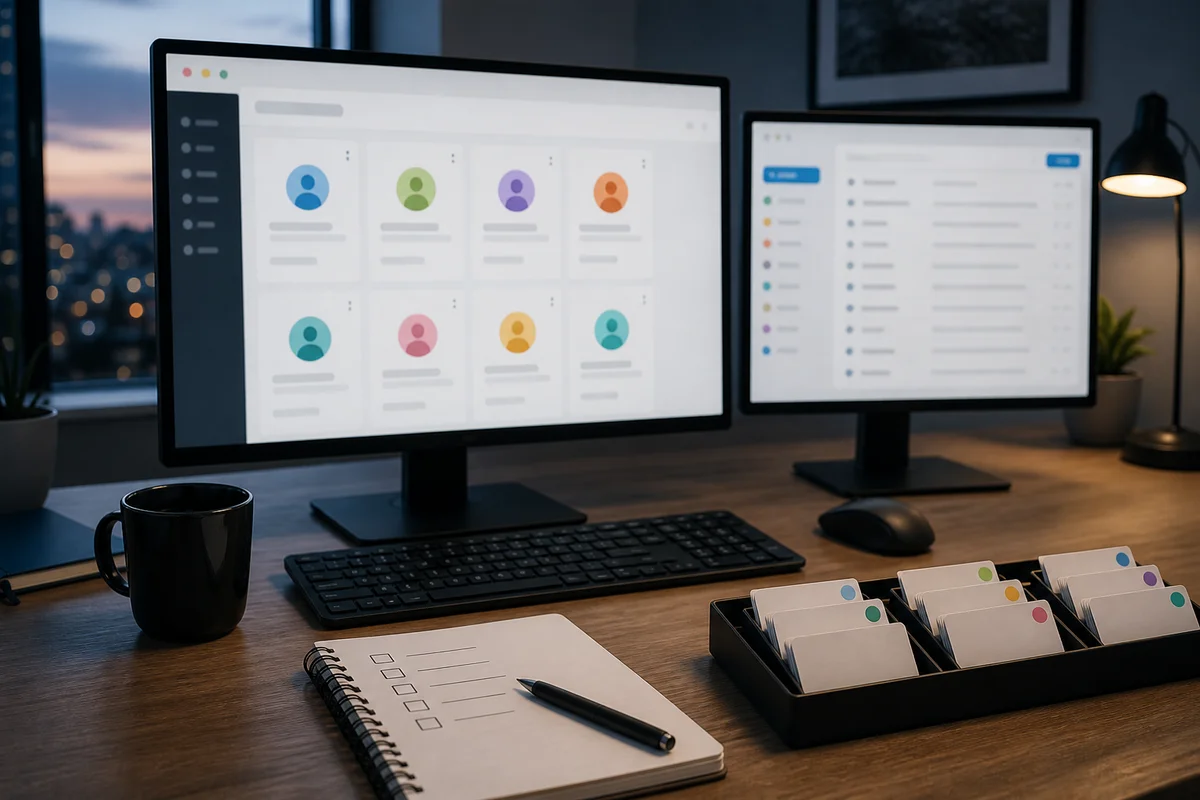
Search "fingerprint browser" and most of what comes back is check, test, checker, online. Those are pages that show you what your own browser reveals about itself, which is a useful thing but not a product category.
The other meaning, a browser that keeps separate profiles for separate accounts, is what tools like AdsPower, Dolphin and BitBrowser are. The two senses share a name and share almost nothing else, so it is worth being clear which one you are looking for before reading any comparison.
A note on scope: nothing here is about evading a platform's security rules. Using accounts still means following the rules of the platform they are on and the law where you are. What these tools are genuinely good at is organisation, which is a smaller and more honest claim than the marketing usually makes.
The test pages, briefly
Worth understanding because it explains the tools. Your browser exposes a large amount of incidental information: screen dimensions, installed fonts, timezone, language, how it renders graphics. Combined, that set is often close to unique, and a test page shows you yours.
The practical consequence for anyone running several accounts is that two accounts used from the same browser look like the same person, because they are. That is the problem the other category of tool exists to address, and running a test page is the fastest way to see why a separate browser profile per account is not paranoia.
Free and open source, which is what most people ask about
Both appear high in the suggestions for both search terms, so the honest answers:
- Free tiers exist on most of the commercial tools, generally limited to a small number of profiles. For two or three accounts that is usually enough, and for two or three accounts an ordinary browser's own profile feature is usually enough too.
- Open-source options exist and are real, but they are libraries and frameworks rather than applications. You get building blocks and you maintain them. If the appeal was avoiding a subscription, the trade is your time instead, which is a fair trade for some people and not others.
- Mobile does not exist, despite android, iphone and ios all appearing in the suggestions. These are desktop applications that manage local browser profiles, and neither mobile operating system permits that. Anything advertising itself as a mobile antidetect browser deserves a very careful look.
When you actually need one
Not at two or three accounts. An ordinary browser's profile feature separates cookies and logins perfectly well, and it is free and already installed.
The point where it stops working is not really technical. It is that you lose track. Which profile holds which account, which mailbox goes with which login, which window you are currently in. Ten accounts across browser profiles is workable on the day you set it up and confusing three months later, and confusion is how people post from the wrong account.
The second point is a team. Handing over "the account" when the account is a browser profile on one person's laptop is awkward in a way that has nothing to do with fingerprints.
What the tools give you that a browser profile does not
- A record of what belongs to what. Each profile carries notes, tags and a name, so the mapping from account to mailbox to project is written down rather than remembered.
- Proxy assignment per profile. Bind a specific connection to a specific account rather than routing everything through one, which is the other half of not looking like one person.
- Transferable profiles. A team member can be given access to a profile without a laptop changing hands.
- Consistent environments. Each profile keeps its own settings, so an account is not signing in from a machine that looks different every week.
The last two are what make them worth paying for. The first two are conveniences you could approximate with a spreadsheet and discipline.
The part the browser does not do
The browser handles the browser. The connection is a separate layer, and no amount of profile configuration changes the address you appear from. Ten carefully separated profiles all arriving from one address are still ten things from one place.
This is worth stating because it is the most common misunderstanding of what these tools are for. A well-configured profile over a plainly identifiable datacentre address is still identifiable at the address layer, and the reverse is equally true.
Choosing between them
Less consequential than the comparisons suggest. They do substantially the same thing, and the differences that will actually affect you are team pricing, whether the interface makes sense to you, and whether it supports importing whatever format your accounts arrive in.
Start with the free tier of whichever you look at first, put five accounts in it, and see whether the organisation improves. If it does not, more profiles will not help.
Where account formats are concerned, the pieces on delivery formats and on TDATA and session files cover what your profiles will actually be importing. Proxy listings, with the region and duration fields filterable, are on the proxy shelf.