Telegramにおける二段階認証とAPIログイン:管理アカウントのためのより安全な設定方法

Sarah JohnsonSarah Johnson
2026年7月3日14 分で読む417 閲覧
Telegramにおける二段階認証とAPIログイン:管理アカウントのためのより安全な設定方法

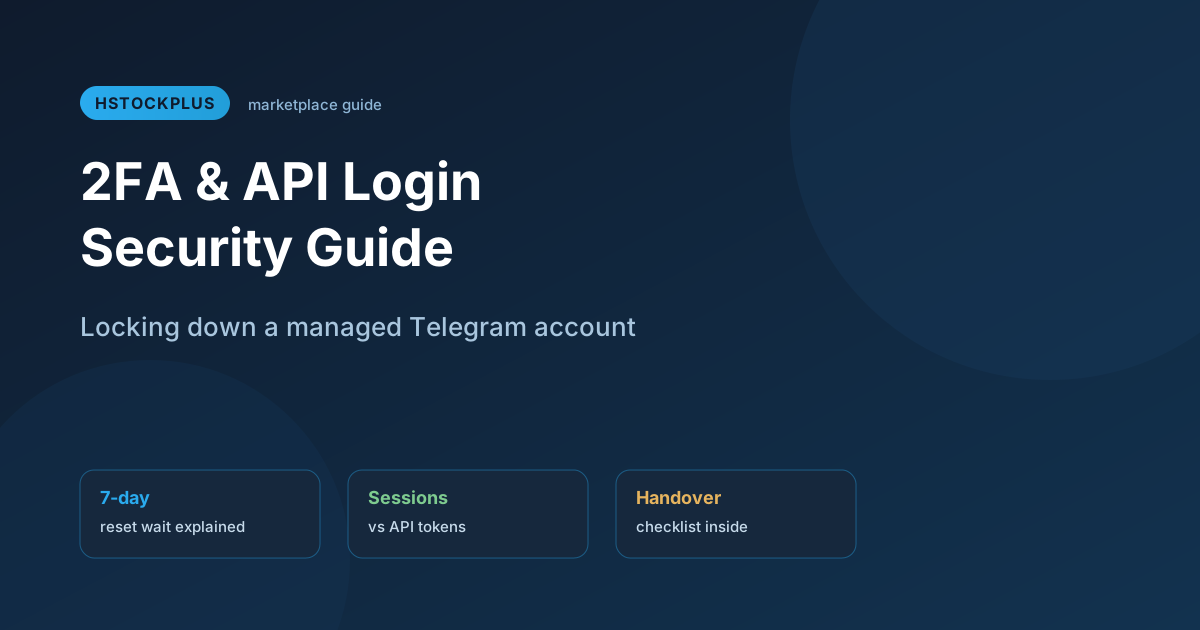
Two-Step Verification and API Login on Telegram: A Safer Setup for Managed Accounts

You've just taken over a Telegram account for a team, whether it's a channel you now run, a support account you inherited, or one you picked up from a marketplace listing. The previous holder's fingerprints are still all over it. Old devices are logged in somewhere. Nobody told you the two-step password. And your automation script needs API access on top of all that.

Locking this down properly takes about ten minutes. Skipping it is how accounts get quietly taken back by whoever had them before you.

What Two-Step Verification Actually Does

A phone number and an SMS code get you past the first door. Two-step verification (2FA) adds a second one: a password only you know, required any time someone tries to log into that account from a new device, even with the correct code in hand. Without it, anyone who intercepts an SMS code, or who still has an old authorized session, can walk straight into the account.

For a personal account this is a nice-to-have. For anything you manage on someone's behalf, a channel with real subscribers, an automation account tied to a bot, a shared support inbox, it stops being optional. If Telegram ever needs to reset a forgotten 2FA password, the official wait is seven days. That's seven days an active channel or bot sits in limbo if you get locked out.

Setting or Changing the Password

The path is the same whether you're setting 2FA for the first time or taking over from someone else's password.

  1. Open Settings, then Privacy and Security, then Two-Step Verification.
  2. If a password already exists, enter it to proceed. If you don't know it and just acquired the account, this is the point where you find out whether the seller actually handed over full access.
  3. Set a new password of at least eight characters, mixing letters, numbers, and a symbol.
  4. Add a password hint, and separately, a recovery email you control, not one tied to the previous owner.
  5. Save, then log in again on your main device to confirm the new password works before closing anything else out.

Changing the password doesn't kill existing logged-in sessions by itself. That's a separate step, and it matters more than most people assume.

Understanding API-Based Login

Telegram's API lets developers script an account instead of clicking through the app, which is how bots, moderation tools, and automated posting systems work. To use it, you need an API ID and hash tied to a developer account, plus a session generated through a library like Telethon or Pyrogram that proves the script is authorized to act as a given Telegram account.

Here's the part that surprises people: a session generated this way is not the same as your 2FA password, and clearing that password doesn't automatically invalidate an existing session. The two systems overlap but don't fully control each other.

Login methodWhat it needsTypical user
Standard app loginPhone number, SMS/app code, 2FA password if setRegular users on phone, desktop, or web
API session (Telethon/Pyrogram)API ID/hash, generated session file or stringDevelopers running bots or automation

Illustrative comparison of typical setups as of 2026. Exact requirements can shift with Telegram API updates.

Clearing Authorized Devices the Right Way

Under Privacy and Security, Active Sessions lists every device currently logged into the account, including its rough location and last activity. When you take over a managed account, this list is often the clearest sign of how many hands have touched it before you.

Risk left unaddressedWhat to do about it
Old device still logged inTerminate it under Active Sessions immediately
Previous 2FA password unknownChange it the moment you confirm access
No recovery email setAdd one you control before doing anything else
Old API session still validRegenerate the session under your own API credentials

Benchmark checklist based on common handover scenarios, not an exhaustive security audit for every account type.

One catch worth knowing: terminating sessions tied to an active API connection will break that connection too. If a bot or script depends on a session you're about to kill, generate the replacement session first, then clear the old one, rather than doing it in the wrong order and losing access to your own automation.

Account handovers happen constantly on marketplaces, and the security steps above apply whether you built the account yourself or picked it up through a listing. Several suppliers on HstockPlus sell Telegram accounts with 2FA already configured and the password disclosed at delivery, which saves the guesswork above, but it's still your job to change that password on day one rather than trusting it stays yours by default. If registration or recovery ever routes through a phone number you don't fully control, a dedicated SMS verification number keeps that step separate from your personal line.

Staying Stable Once the Account Is Locked Down

Consistent network behavior matters more than people expect for accounts running automation. Logging in from a different country every week, even with 2FA correctly set, can still trigger extra scrutiny on the account. Pairing a managed account with a fixed residential proxy gives it a stable network fingerprint over time, which tends to reduce unnecessary friction compared to routing through whatever network happens to be available that day. Telegram's own FAQ covers the official mechanics of both 2FA and session management in more technical depth, worth a read once you've got the basics down here.

#telegram two-step verification#telegram 2fa setup#telegram api login#telegram account security

Frequently Asked Questions

リカバリーメールが設定されていれば、それを使ってリセットできます。リカバリーメールがない場合、公式のリセット手続きでは、Telegramがアカウントへのアクセスを許可するまで約7日間の待機が必要です。

いいえ、パスワードの変更とアクティブセッションのクリアは別の手順です。信頼しなくなったデバイスからのアクセスを削除するには、「プライバシーとセキュリティ」→「アクティブセッション」から手動でセッションを終了する必要があります。

関連はしていますが、別物です。APIセッション(TelethonやPyrogramのようなライブラリで使用)はスクリプトがアカウントとして動作することを許可するもので、2FAはアプリ自体への新しいログインを保護します。片方をクリアしても、自動的にもう片方がクリアされるわけではありません。

なぜなら、他に誰がまだアクセスできるか確信が持てないからです。古いデバイス、不明な2FAパスワード、または前の所有者の復旧用メールアドレスによって、あなたが今や自分のものだと思っているアカウントに、あなたが積極的にロックダウンしない限り、他の誰かが再び入ってくる可能性があります。

技術的には可能ですが、通常は推奨されません。自動化トラフィックと個人利用では、同じセッション上で異なる、時には競合するパターンが生じるためです。多くのチームは、自動化専用の別アカウントを用意して対応しています。

アカウントごとに安定した専用の住宅用IPを割り当てることで、Telegramのシステムが不自然なネットワーク切り替えを検知する頻度を減らせます。これにより、ほとんどの場合で不要な制限を抑えられますが、すべての審査トリガーを防げるわけではありません。

Sarah Johnson

Sarah Johnson

Digital marketing expert with 10+ years of experience in social media strategy. Passionate about helping businesses grow their online presence through effective marketing techniques.

対応決済方法

Supported payment methods