Đăng nhập Instagram bằng cookie: vượt được rào đăng nhập nào, không vượt được rào nào
Cookie phiên không phải là mật khẩu dự phòng. Nó xóa hai trong bốn rào cản ngăn người khác đăng nhập và vô dụng trước hai rào cản còn lại, một trong số đó còn tệ hơn mỗi lần bạn thử lại. Hãy xác định rõ bức tường nào bạn đang đối mặt trước khi nhập bất cứ thứ gì.
 Avery Bennett
Trước khi đi vào bất kỳ phần kỹ thuật nào, cần phân loại trước, vì có bốn nguyên nhân khác nhau khiến người ta không vào được tài khoản Instagram, chúng trông giống nhau trên màn hình, và session cookie chỉ giúp được hai trong số đó. Dùng sai chỗ không chỉ là công cốc. Với một trong bốn trường hợp, nó còn khiến tình hình tệ hơn.
| Những gì bạn thấy | Thực chất là gì | Session có giúp không |
|---|---|---|
| Thông tin đăng nhập bị từ chối | Sai tên người dùng hoặc mật khẩu, hoặc chúng đã bị đổi | Có, nếu session vẫn còn hiệu lực |
| Mã không bao giờ đến, hoặc bạn được yêu cầu dùng số khác | Sự cố gửi SMS, không phải sự cố tài khoản | Có, nó bỏ qua hoàn toàn bước đó |
| Bạn được yêu cầu chụp ảnh hoặc quay video ngắn về bản thân | Một cuộc xác minh danh tính nhắm vào tài khoản, không phải lần đăng nhập này | Không. Nhập session vào bạn vẫn gặp màn hình tương tự |
| Lỗi tiếng Anh chung chung chứa từ "feedback" | Giới hạn tốc độ do quá nhiều lần thử. Tạm thời | Không, và thử lại còn kéo dài thêm |
Chỉ hai dòng đầu đáng đọc tiếp. Hai dòng cuối là trạng thái gắn với chính tài khoản, nên chúng theo bạn qua mọi phương thức đăng nhập bạn thử, và cả hai đều được đề cập ở cuối bài.
Session cookie thực chất là gì
Nó không phải mật khẩu thứ hai và không thể vượt qua bất kỳ cuộc kiểm tra nào thay bạn. Điều nó làm là chuyển một lần đăng nhập đã xảy ra ở nơi khác vào trình duyệt của bạn, để trang web coi bạn như người đã đăng nhập trước đó và giờ đang tải lại trang.
Điều đó tạo ra đúng một điều kiện tiên quyết: lần đăng nhập đó vẫn phải còn hiệu lực. Mọi thứ khác về đăng nhập bằng cookie đều suy ra từ câu đó. Nó hoạt động khi mật khẩu không được biết nhưng session còn sống. Nó không làm được gì khi tài khoản bị gắn cờ để xác minh, vì thứ đang bị xác minh là một con người, và session không nói gì về một con người.
Cũng đáng nói thẳng về việc thị trường định giá một session là bao nhiêu. Trong 2.129 danh sách tài khoản Instagram đang hoạt động được đo ở đây vào ngày 31 tháng 8 năm 2026, chỉ 119 danh sách nhắc đến cookie hoặc session, và ở những nơi người bán có cả hai loại, danh sách cookie nằm ở mức bằng hoặc thấp hơn mức giá trung vị của chính người bán đó ở bốn trong năm người bán có đủ dữ liệu để so sánh. Session không phải một thuộc tính cao cấp. Quyền truy cập hộp thư đã nêu thì có: ở năm trong bảy người bán có đủ dữ liệu so sánh, danh sách bao gồm quyền truy cập mail có giá cao hơn mức trung vị của chính người bán đó, có trường hợp cao gấp khoảng năm lần. Khoảng cách đó chính là toàn bộ ý nghĩa của phần cuối bài này.
Chuyển session sang máy khác
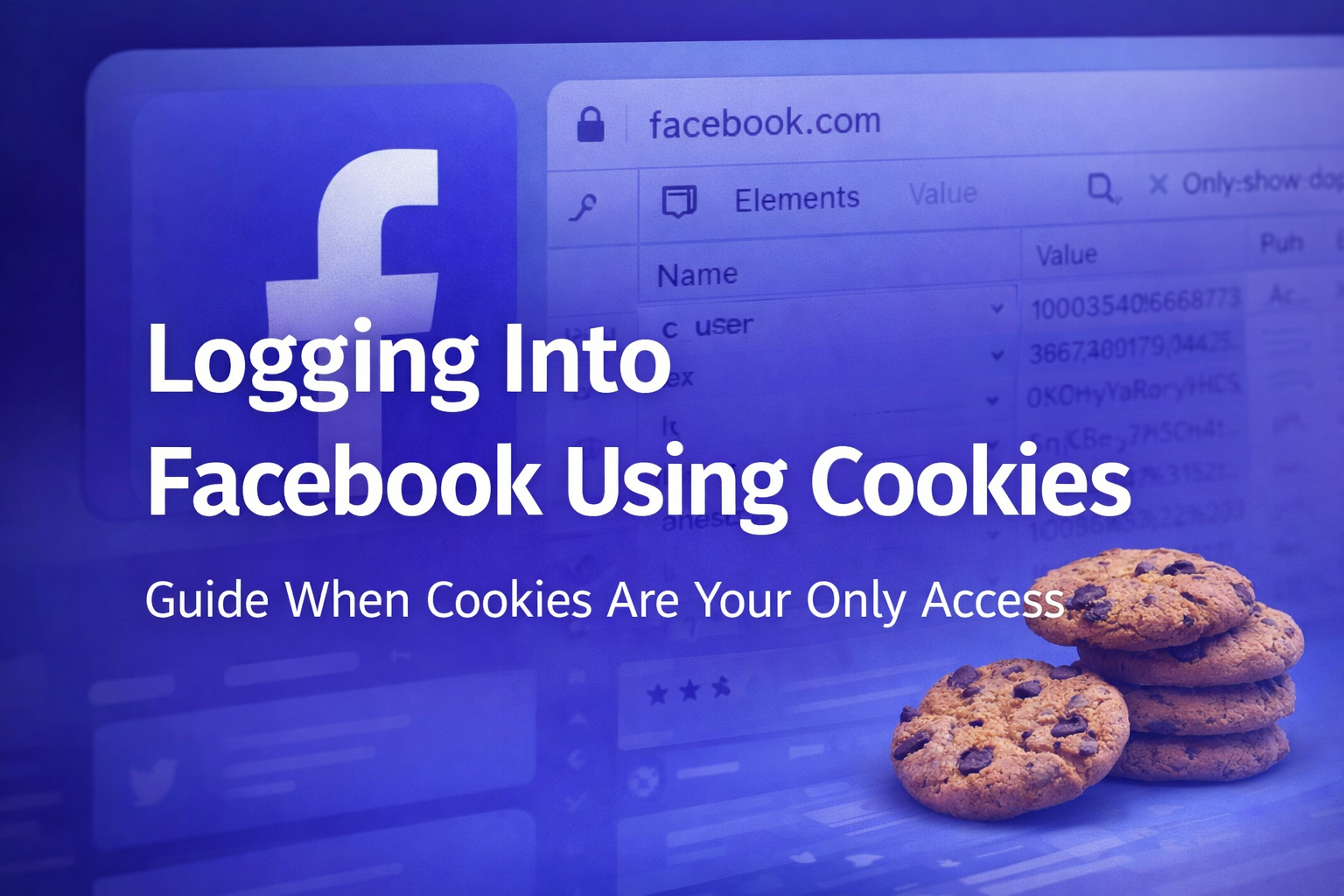
Bạn có thể chỉnh sửa bộ nhớ trình duyệt bằng tay. Làm một lần để hiểu thì có ích, nhưng nó không khoan nhượng: sai domain hoặc path thì không có gì xảy ra, và không có lỗi nào báo cho bạn biết trường nào sai. Một tiện ích mở rộng chỉnh cookie nhận cả một mảng JSON trong một lần dán sẽ xử lý các trường dễ sai, đó là lý do hầu hết những người làm việc này thường xuyên cuối cùng đều dùng một cái.
Mảng chứa một đối tượng cho mỗi cookie, và với Instagram, những cái quan trọng là session id, user id và CSRF token, mỗi cái kèm domain và root path. Đại loại như thế này:
[
  {
    "domain": ".instagram.com",
    "path": "/",
    "name": "sessionid",
    "value": "YOUR_SESSION_VALUE",
    "httpOnly": true,
    "secure": true
  },
  {
    "domain": ".instagram.com",
    "path": "/",
    "name": "ds_user_id",
    "value": "123456789",
    "httpOnly": false,
    "secure": true
  },
  {
    "domain": ".instagram.com",
    "path": "/",
    "name": "csrftoken",
    "value": "YOUR_CSRF_TOKEN",
    "httpOnly": false,
    "secure": true
  }
]
Ba bước bị bỏ qua và gây ra hầu hết các lỗi.
- Xóa trước, rồi mới nhập. Nếu cookie của tài khoản trước vẫn còn trên trang, bộ cũ và mới xung đột, và triệu chứng là lần nhập báo thành công nhưng trang vẫn ở trạng thái đăng xuất. Hãy xóa cookie của trang web, rồi mới nhập.
- Làm mới trang, đừng gõ lại địa chỉ. Gõ lại địa chỉ có thể đưa bạn đến một trang đã được lưu trong bộ nhớ đệm trông như thất bại.
- Không thay đổi gì trong vài giờ đầu. Đây là điều quan trọng nhất và nó có phần riêng bên dưới.
Nếu bạn vào được bên trong nhưng sau đó bị yêu cầu mã sáu chữ số, đó là tin tốt chứ không phải xấu: session hợp lệ và tài khoản chỉ đơn giản là bật xác thực hai lớp. Nếu secret đi kèm với tài khoản, bạn có thể biến nó thành mã tại trình tạo mã trên trang, và hướng dẫn TOTP đề cập đến các định dạng secret và những gì cần kiểm tra khi mã bị từ chối.
Vì sao nó hoạt động với người bán nhưng chết trên máy bạn
Đây là lời phàn nàn phổ biến nhất từ những người mua tài khoản, và session thường không phải vấn đề. Môi trường đã thay đổi.
Một yêu cầu mang theo nhiều thứ hơn một cookie: nó đến từ đâu, trình duyệt trông như thế nào, tài khoản đó đã làm gì trước đây. Chuyển tất cả cùng lúc và sự thay đổi đủ lớn để bị coi là đáng ngờ, và session bị hủy. Không có gì bạn làm có thể loại bỏ rủi ro này, nhưng ba điều sau giúp giảm bớt.
- Đặt điểm thoát mạng gần khu vực của chính tài khoản trước lần nhập đầu tiên, không phải sau đó. Danh sách kiểm tra đăng nhập IP nước ngoài giải thích chi tiết điều đó nghĩa là gì trong thực tế.
- Chỉ duyệt web trong vài giờ đầu. Không đăng bài, không chỉnh sửa hồ sơ, và trên hết là không thay đổi email, số điện thoại hay mật khẩu đã liên kết. Thay đổi cài đặt là những hành động nhạy cảm nhất hiện có.
- Không bao giờ chạy một session ở hai nơi cùng lúc. Sử dụng đồng thời từ các vị trí khác nhau là một trong những cách nhanh nhất khiến session bị vô hiệu hóa.
Và hãy chấp nhận tiền đề bên dưới tất cả: session có hạn. Chúng cũng chết ngay khi chủ cũ đăng xuất khỏi mọi thiết bị ở bất kỳ đâu. Session là một khoảng thời gian, không phải một phương thức đăng nhập.
Thứ tự làm việc khi bạn đã vào được bên trong
Chính vì vậy, trình tự là nội dung thực sự của bài này. Bạn có một khoảng thời gian không xác định, và có một thứ tự đúng để dùng nó.
- Chờ. Vài giờ duyệt web bình thường, không thay đổi gì. Hành động ngay lập tức chính là thứ khiến session bị hủy.
- Đọc danh sách session đang hoạt động và kết thúc bất cứ thứ gì bạn không nhận ra, bao gồm cả thiết bị của chủ cũ.
- Đổi mật khẩu. Đừng cho rằng điều đó đã kết thúc các session khác; quay lại đọc danh sách lần nữa, vì đó là thứ bạn có thể kiểm tra thay vì suy đoán.
- Đổi các liên kết. Email khôi phục trước, rồi đến số điện thoại, sau đó đặt lại xác thực hai lớp bằng authenticator của riêng bạn để một bộ mã dự phòng mới được tạo ra trong tay bạn.
Đảo ngược thứ tự đó và bạn có thể kẹt giữa chừng, lúc đó khoảng thời gian có thể đã đóng lại. Hướng dẫn về mật khẩu và xác thực hai lớp đề cập từng bước, bao gồm cả lý do mã dự phòng quan trọng hơn secret.
Đây cũng là nơi dữ liệu giá từ trước được áp dụng. Session đưa bạn vào. Điều quyết định tài khoản có phải là của bạn hay không là hộp thư khôi phục và liên kết số điện thoại, và đó chính xác là thuộc tính mà thị trường tính phí. Nếu hộp thư không nằm trong những gì bạn nhận được, việc tiếp quản không thể hoàn tất, dù việc nhập cookie có suôn sẻ đến đâu. Danh sách tài khoản ghi rõ quyền truy cập mail tách biệt với thông tin đăng nhập, đó là trường đáng đọc đầu tiên, và hướng dẫn chọn lựa đề cập phần còn lại.
Hai bức tường mà session không thể giúp vượt qua
Xác minh danh tính. Yêu cầu chụp ảnh hoặc quay video ngắn nhắm vào tài khoản, không phải lần thử này, nên thiết bị khác, mạng khác và phương thức đăng nhập khác đều dẫn đến cùng một màn hình. Với tài khoản bạn mua lại, thường không có cách nào vượt qua, vì thứ đang được kiểm tra không phải là bạn có giữ thông tin đăng nhập hay không mà là tài khoản có đúng là con người mà nó khai báo hay không. Động thái đúng là liên hệ với người bán khi cửa sổ bảo hành còn mở, không phải tiếp tục thử. Khi cửa sổ đó đóng lại, con đường cũng đóng theo.
Giới hạn tốc độ. Lỗi tiếng Anh chung chung chứa từ "feedback" là một hạn chế tạm thời do số lần bạn thử gây ra. Thứ duy nhất có tác dụng là dừng lại; thử đi thử lại chỉ kéo dài thêm. Khi nó hết, hãy giữ nhịp nhẹ nhàng trong một hai ngày đầu, vì giới hạn nhắm vào tốc độ hành động của bạn chứ không phải thông tin đăng nhập của bạn.