What are the differences between Gmail account web login, IMAP, and API access methods?
Script connecting via IMAP throws an error—it might not be a broken account, but a wrong access method. This explains the three ways to access a Gmail account—web login, IMAP/SMTP + App Password, and Gmail API—what each is best for, and common pitfalls.
 Avery Bennett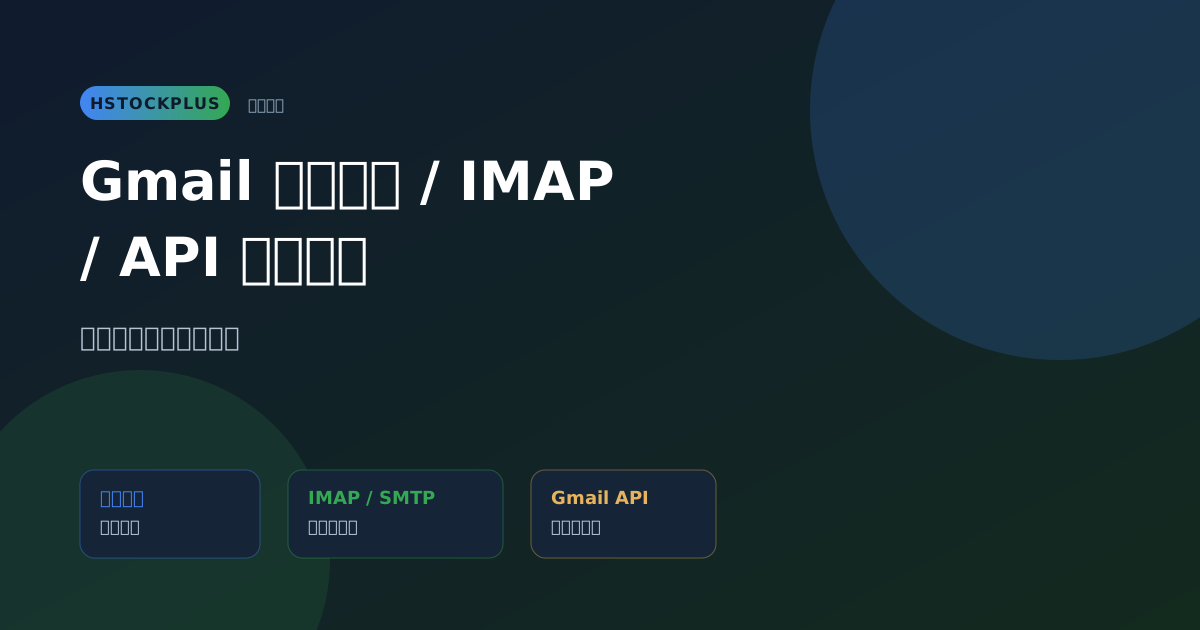
When a script needs to automatically read a verification email, you might casually enter the account password into an IMAP client, only to get a login failure error. The account and password are correct — the problem is choosing the wrong access method. There's more than one way to "use" a Gmail account: web login, IMAP/SMTP, and the Gmail API. Each path has different requirements and capabilities for the account. Choosing the wrong one doesn't mean the account is broken; it means the access method doesn't match.
What Are the Three Access Methods?
| Method | What It Is | What the Account Needs |
|---|---|---|
| Web Login | Open gmail.com in a browser and go through the normal human login flow | Password + 2FA (if enabled), may trigger captchas or suspicious login detection |
| IMAP/SMTP | Email clients (Outlook, Thunderbird, script libraries) send and receive mail directly using email protocols | Must enable 2FA first, then generate a dedicated "App Password." Use the App Password to log in, not the account's main password. |
| Gmail API | Google's official programming interface. Obtain an access token via OAuth2, and the program uses that token to call the API to read and write emails. | Requires registering a Google Cloud project, configuring an OAuth client, and going through the authorization consent flow once to get a token. |
Web Login: Most Intuitive, But Not for Automation
Manual operation is fine. But when a script simulates a web login, it will frequently run into captchas, suspicious login prompts, and even phone verification requests. Google has its own risk control mechanism for login behavior that "looks automated." This isn't an account issue; it's a mismatch between the login method and the intended use.
IMAP/SMTP: Great for Email Clients and Lightweight Scripts
This is the closest to "traditional sending and receiving email." Most email clients and Python/Node email libraries support it. The key point is: the account must have 2FA enabled first. Then, use the "App Password" generated by 2FA to log in to IMAP. You cannot use the account's main login password directly. Currently, Google generally requires this step for consumer accounts. Trying to connect to IMAP directly with the account password will likely be rejected.
If you see an "App Password" field in an account listing, it means the account already has an App Password ready. You can use that password to connect via IMAP directly, without having to go through the process of enabling 2FA and generating an App Password yourself.
Gmail API: Best for Formal Programmatic Integration
The Gmail API uses OAuth2 authorization. The program receives an access token with a specific scope, not the account password itself. The advantage is that permissions can be precisely controlled (e.g., read-only), and the token can be revoked independently without affecting the account password. This is suitable for scenarios requiring long-term, stable operation and fine-grained permission management. The trade-off is a higher setup cost: you need to register an application and configure credentials on Google Cloud. You can't just use the account directly.
How to Choose Between Them
- Just occasionally logging in manually to check something: Web login is enough. No need to bother with other methods.
- A script needs to regularly and automatically read verification codes or send emails, and you want simplicity: IMAP/SMTP + App Password. If the account listing has this field, you can use it directly.
- Integrating into a formal product, needing long-term operation and fine-grained permission control: Gmail API. The initial setup is more work, but it's more stable in the long run.
Common Pitfalls
- Using the account password directly to connect to IMAP and getting an error. The account probably doesn't have 2FA enabled or an App Password generated. Log in via the web once, enable 2FA, generate an App Password, and try again.
- A script simulating a web login is asked for an unusual verification. Switch to IMAP or the Gmail API. Don't try to brute-force the web login flow with a script.
- The Gmail API token expires or doesn't have enough permissions. Check if the scope you selected during setup includes the API calls you need. If the token expires, you need to use the refresh token to get a new one. The account itself isn't the problem.
Limitations to Know Before Buying
- Whether the three access methods work smoothly depends not only on the account's fields but also on Google's current policies, which can change over time. No guarantee of long-term stability.
- App Passwords and OAuth tokens can become invalid due to password changes or account security checks. If they do, you'll need to generate new ones.
- Which access method a specific account supports is subject to the description on the product page.
Frequently Asked Questions
Can I enable an App Password myself for an account that doesn't have one listed? Yes, as long as you can log in to the account via the web and enable 2FA. Once 2FA is enabled, you can generate an App Password in the account security settings. This is the same mechanism mentioned in the article about the relationship between Google Accounts and Gmail.
Can IMAP and the Gmail API be used on the same account at the same time? Yes, they don't conflict with each other. They just use different login credentials (App Password vs. OAuth token) and don't interfere with one another.
Why does the Gmail API permission need to be re-authorized after a while? OAuth tokens have an expiration date. The normal process is to use the associated refresh token to silently obtain a new access token. If the refresh token also becomes invalid (e.g., due to a password change), then the user needs to go through the authorization consent page again.