







Coverage
Nine providers
Cloud hosts, deploy platforms, and developer tooling sit in one category, from AWS and Azure to Vercel and Replit.
Source the whole stack without leaving the marketplace.
Loading HstockPlus
(12 products)
Explore our collection of developer and cloud tools designed to streamline your workflow. From APIs and hosting to cloud infrastructure, find the resources you need to build and scale your projects efficiently.

Twitter Automation

Google Cloud
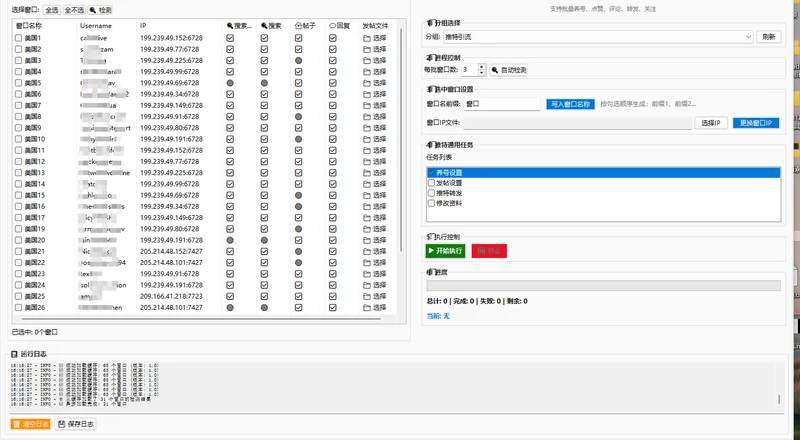
Twitter Automation
A new app rarely runs on one provider. A single project can need a cloud host for the backend, a frontend deploy platform, and an IDE license for the team. Across this category suppliers list accounts for AWS, Google Cloud, Azure, DigitalOcean, Heroku, Vercel, Netlify, JetBrains, and Replit, so you can source the stack a build needs and compare suppliers on the same page before you buy.
Backend and infrastructure accounts. Read each listing for account state and whether billing is set up.
Frontend deploys and developer tooling to ship and code on the same project.
Map the stack to providers first. Backends lean on AWS accounts, Google Cloud, Azure, or DigitalOcean; frontends ship through Vercel and Netlify. Read each listing for the platform and account state.
Read whether the account is email verified, whether a phone or card is attached, and the region or billing currency. Keep a dedicated inbox from our email accounts for the signup, use your own number or our SMS verification service if a provider asks, and pair a stable IP from our proxy services when you log in from a new location.
After access, store the login and recovery details with your order and move your project in. If you offer client work on top of these tools, build off-platform trust with our reviews service for Google, Trustpilot, or TripAd.
Buyers sourcing cloud and dev accounts often combine them with one or more of these.
Across this category the signals worth comparing are platform coverage across nine providers, the account state from fresh to ready-to-use, verification and billing setup, the region or currency, and any credit or trial a listing states. Each one is broken down below. HstockPlus is a marketplace, so terms vary by supplier; read the listing before you order.
Cloud hosts, deploy platforms, and developer tooling sit in one category, from AWS and Azure to Vercel and Replit.
Choose a clean fresh account or one where a tier or billing is already set up.
Listings note whether the account is email verified and whether a phone or card is attached.
Accounts are set to a region or billing currency, and listings state which.
Some listings include a starting credit, trial, or plan tier; the listing states the amount and terms.
Buyer types weigh different signals on a listing and pair accounts with different services. The roles below show what each one looks for and the platforms they tend to combine.
Ship side projects, so they favor a deploy platform plus an IDE and read the account state before buying.
Need a backend that scales, so they check region, billing setup, and any included credit.
Run client builds across providers, so they favor verified accounts and clear handoff details.
Run volume across accounts, so they pick fresh accounts and pair each login with a stable IP.
Quick answers about this category. Expand a question to read the full answer.
Scroll to live products, compare suppliers by platform, account state, verification, region, and any included credit, then choose a listing that fits your build and budget.