ChatGPT Plans: The Parts That Keep Changing, and the Six Facts That Do Not
Plan names, prices and model numbers move every few months, so anchoring on them is how an article goes stale. Here is the structure underneath: what a tier actually is, what happens when you hit a limit, what happens when a model retires, and the rule that decides whether a subscription can change hands at all.
 Michael Chen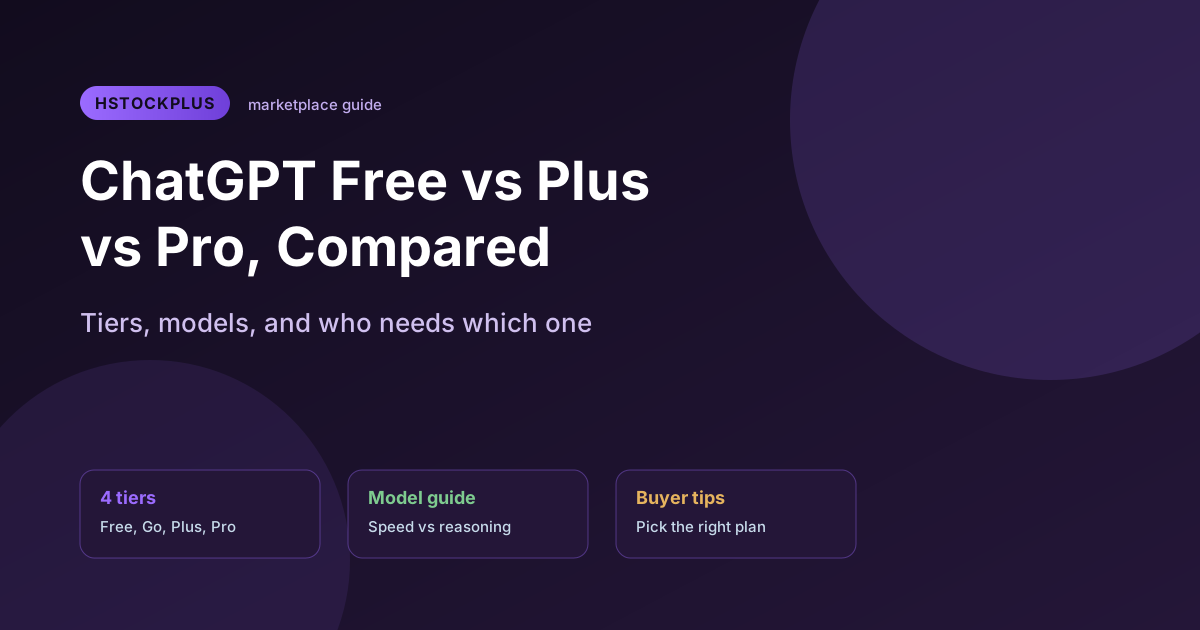
Any article that answers "which ChatGPT plan should I get" by printing prices and model names has a shelf life of about one quarter. The lineup has been renamed, repriced and re-tiered more than once in the last year, so a comparison table starts decaying the day it ships. This one is organised the other way round: what has held steady through every reshuffle, and one honest instruction about the parts that have not.
The part you have to check yourself, and where
OpenAI currently sells four individual plans. In the order the pricing page lists them: Free, Go, Plus and Pro. Alongside those sit the per-seat plans for organisations, currently Business and Enterprise. If you remember a plan called Team, that is the one now called Business.
Two details there are structural rather than cosmetic. Go is described on its own card as a plan that may include ads, making it a different kind of product rather than a cheaper one. And Pro is listed with a "from" price, because more than one Pro tier sits behind it. Anyone quoting Pro as a single monthly figure, including the previous version of this page, is quoting something the pricing page does not say.
Prices, plan names and model names are the volatile layer. Read them at OpenAI's pricing page before committing, and treat any figure in any article, this one included, as historical.
A plan is a billing state on one account, and it cannot be moved
This is the fact that survives every renaming, and it is the one most worth knowing.
OpenAI documents it without hedging: subscriptions cannot be transferred between accounts, and transferring one is not supported. The only route OpenAI describes is cancelling on the first account and buying again on the second. Separately, the terms say you may not assign or transfer rights under them, and history and workspaces cannot be moved to a new account either.
Everything else follows from that. A paid tier is not a property of a login that travels with it; it is a subscription attached to one identity, billed per user per month. Which is why "a ChatGPT Plus account" always turns out to describe one of two arrangements: someone else continuing to hold the billing relationship, or an upgrade applied to an account you already control. They fail in different ways, and the difference is worth settling before money changes hands.
What a higher tier actually changes, and the one it does not
Three things move as you go up, and the popular account of them is wrong on one.
Which models you can reach is the real difference. Higher tiers reach the deliberate reasoning models; lower tiers live mostly on the fast ones. Model names change constantly, so the durable form of the question is not "which model am I on" but "can this plan reach the slow, careful one at all". How much you can send before being limited is the second, and the reason most people upgrade.
Context window is where the folk wisdom fails. OpenAI does publish per-plan context figures and they do not form a neat ladder. Right now the entry paid tier and the mainstream paid tier are listed with the same context window as each other, on both the instant and the reasoning models. Paying more does not buy proportionally more room to work in; it buys model access and volume, and context steps only at the top.
Two footnotes on OpenAI's own comparison table are worth more than the numbers above them. It says ChatGPT manages a shared context window, and that the space reported for your input is an approximation that may change dynamically. So the published number is the total budget, and your document is competing inside it with system instructions, memory and the model's own reasoning. Treating the headline figure as how much text you can paste will disappoint you on every tier.
What actually happens when you hit a limit
The common claim is that a paid plan never blocks you, it just quietly drops you to a lighter model. OpenAI's wording is more careful, and the difference matters mid-task. What it says is that ChatGPT may continue with another available model once an allowance is used up. May, not will. On the top tier the documentation allows the other outcome too: a model may be temporarily unavailable until the allowance resets. The fallback is likely behaviour, not a guarantee.
Two related things are documented and worth knowing before you need them. Limits vary with system conditions rather than being a fixed daily quota, and OpenAI support does not reset usage limits, so there is nobody to ask. The practical consequence is scheduling rather than spending: start work that must not be interrupted at the beginning of an allowance window, because no tier removes the ceiling entirely.
What happens when a model is retired
Models get sunset rather than left running, and this is the part people worry about unnecessarily. Prior conversations carry over to newer models, and custom GPTs built on a retired model move automatically to the closest current equivalent. Nothing is deleted and nothing needs migrating by hand. What you may notice is a change in tone in a thread you have not touched for months, with no setting on your side having changed.
One detail is regularly reported wrongly: a model retired from ChatGPT generally remains available through the API. If something you built depends on a specific model's behaviour, the interface losing it is not the same as the model going away.
Account mechanics worth settling before you pay for anything
These are the constraints that actually bite, and none of them is on a pricing page.
- How the account was created decides what you can change later. If it was created through a Google, Apple or Microsoft sign-in, the email address cannot be changed until a password is added to the account first. On an account you did not create, that is the first thing to establish, because it gates everything else.
- History does not move. OpenAI states plainly that conversations and workspaces cannot be transferred to a new account. Starting again means starting empty.
- Deletion is permanent. A deleted account cannot be reactivated, data is removed within thirty days, and the email address only becomes reusable after that period.
- Cancelling is not refunding. It stops future renewals and leaves paid features running to the end of the billing period, but does not return previous charges; payments are stated as non-refundable except where the law requires otherwise. A subscription bought through a mobile app store is managed there, and deleting the account does not cancel it.
What the market actually sells, which is not what people search for
The non-transferability rule shapes the entire shelf, and counting it makes the point faster than an explanation.
There are sixty-three live ChatGPT account listings on this site today, and only seven name Plus or Pro in the title. Those seven sit at roughly ninety-six times the median price of the shelf, which is the clearest possible signal that they are a different product rather than a better one. The rest are verified free-tier logins, described as mail-verified or SMS-verified, often bundled with an API key. Not one listing mentions Go, in a title or a description.
Read the seven carefully and the wording gives the mechanism away. One is offered as a direct upgrade applied to an account you already hold; another is a shared monthly arrangement. Neither is a subscription changing hands, because OpenAI does not permit that, and a listing promising one would be promising something the platform will not do.
So what the account market supplies is a verified login: a working identity with a confirmed mailbox, useful when signup itself is the obstacle, whether through region, phone verification, or needing several separate identities. The subscription decision stays yours and stays on your own account. The ChatGPT account listings here come from independent suppliers with the verification method stated in the title. If the obstacle is really the mailbox rather than the assistant, Gmail listings solve the upstream problem more directly.
Where OpenAI's rules actually sit on this
OpenAI's terms say you may not share your account credentials or make your account available to anyone else, and a dedicated help page says the account is meant for the individual who created it. That is unambiguous, and it covers arrangements where one person holds the billing and another uses the chat. Multiple devices are explicitly fine, so signing in on a laptop and a phone is not what the clause is about. On age, the terms set thirteen as the floor, or higher where a country requires it, and anyone under eighteen needs a parent or guardian's permission.
The clause people assume sits next to all that does not exist. Neither the terms nor the usage policies prohibit selling an account by name. What they prohibit is sharing credentials and making the account available to others, so any consequence for a resale follows from that rather than from a rule about resale. Anyone citing an explicit anti-selling clause has not read the document.
All of the above was read from OpenAI's own pages on 31 August 2026. The structure has been stable for a while; the numbers attached to it have not, so check the pricing page before you decide.