OAuth2, Graph API e Senhas de Aplicativo: O que os Anúncios do Outlook Estão Dizendo a Você
A Microsoft desativou o login por senha simples para contas pessoais do Outlook em setembro de 2024, por isso cada listagem agora traz tags OAuth2. Veja o que cada tag oferece e a única lacuna que falha silenciosamente semanas depois.
 Avery Bennett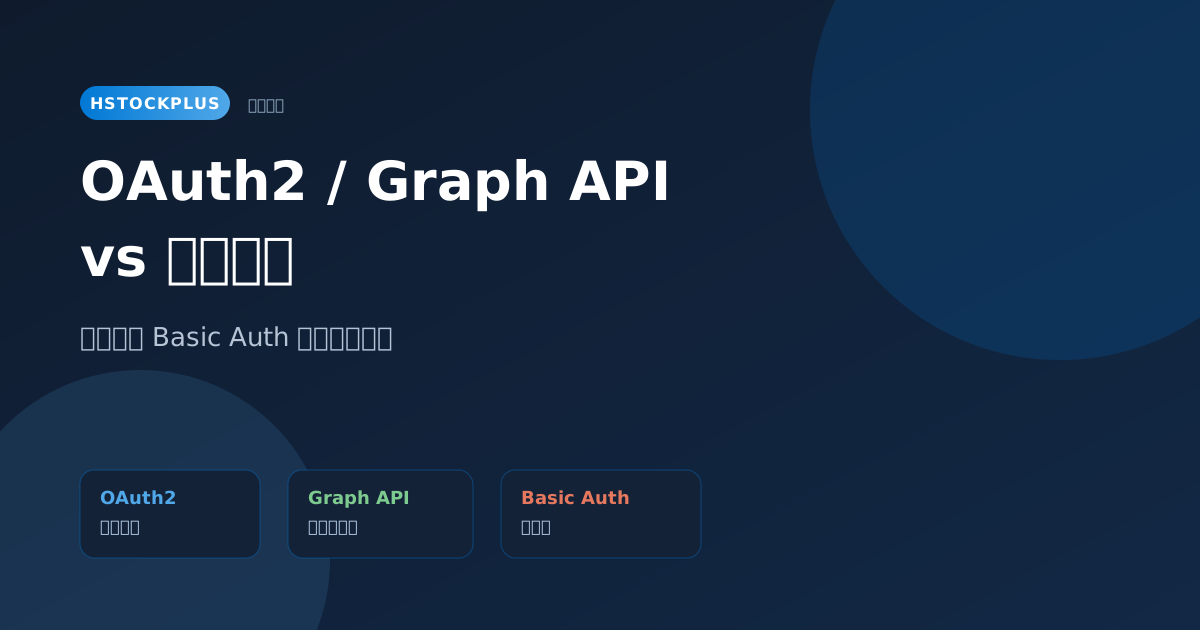
Every Outlook and Hotmail listing carries a tag like OAuth2 [Graph] or OAuth2 [IMAP/POP3], and the delivery includes fields called refresh_token and client_id instead of a password. That is not a seller's invention. Microsoft changed how these accounts can be reached.
A note before the detail: most platforms' terms prohibit transferring accounts, and nothing here should be read as Microsoft endorsing account trading. This explains what the technical tags mean, which is a separate matter from whether any particular transaction is permitted.
What changed, and when
On 16 September 2024, basic authentication ended for personal Outlook.com, Hotmail and Live.com accounts. Basic authentication is the arrangement where a mail client sends a username and password straight to the mail server. After that date, third-party clients and scripts reaching these mailboxes have to use OAuth2, which Microsoft calls modern authentication.
That single change is why the shelf looks the way it does. A listing offering plain credentials for a personal Outlook mailbox is describing something that no longer connects, so the tags are a consequence rather than a marketing choice.
OAuth2 versus an app password, which is the comparison people actually make
The English search suggestions pair OAuth2 against an app password far more often than against a plain one, and that is the right question. Both are answers to "my password no longer works", and they behave very differently.
| App password | OAuth2 | |
|---|---|---|
| What you hold | A single generated string | A refresh token plus the client credentials it was issued under |
| Setup | Generate it in the account settings | Register an application, complete a consent flow |
| Permissions | Whatever the protocol allows, undivided | Scoped, so read-only is possible |
| Renewal | Valid until revoked | Exchange the refresh token for new access tokens |
| If it fails | Generate another | Depends entirely on what you were given |
The last row is the one that matters when buying, and it is why the next section exists.
The incompleteness that fails silently
A refresh token is not self-contained. Exchanging it for a new access token requires the client id, and often a client secret, that it was issued against. Receive the refresh token alone and you hold something that works right up until the current access token expires, and then stops permanently with no way to renew it.
Everything looks correct at delivery, which is exactly the trap. The connection succeeds, the mail arrives, the purchase seems fine. The failure lands days or weeks later, long after any warranty window has closed.
So the test at delivery is not "does it connect". It is "can I perform a refresh". Force a token exchange with the credentials you were given, and confirm you get a new access token back. That is a different action from reading a mailbox and it is the only one that tells you what you actually bought.
Reading the tags
- OAuth2 [IMAP/POP3]: the token authorises the mail protocols. Ordinary mail clients and mail libraries work, provided they support OAuth2 rather than only passwords. Older clients often do not, which is a real constraint.
- OAuth2 [Graph]: the token authorises Microsoft Graph, the programmatic interface covering mail, calendar and contacts. Suited to something you are building; not usable by a mail client, which speaks IMAP and not Graph.
- Both: the token's scopes cover both routes. More flexible, and the scopes are still worth reading rather than assuming.
Choosing between them is the same decision as anywhere else in this catalogue: buy the one your tool speaks. A Graph grant does not help a mail client and an IMAP grant does not help software written against Graph.
The same pattern on the Google side
Worth noting because it stops this reading as a Microsoft peculiarity. Google made the equivalent move: account passwords stopped working from mail clients, app passwords became the lightweight route, and the Gmail API with OAuth2 became the programmatic one. Different names, same shape.
The general direction is that passwords are being retired as machine credentials across the board. Passkeys, which also show up in the search suggestions here, are the same movement applied to human sign-in. If you are choosing what to depend on, that direction is worth weighting.
Before you buy
- Confirm whether your tool speaks OAuth2 at all. Many older mail clients do not, and no listing can fix that.
- Confirm the delivery includes the client id and secret alongside the refresh token, not just the token.
- On arrival, perform a refresh rather than a read. It is the only check that distinguishes a complete grant from one that will expire into nothing.
Outlook and Hotmail listings with the OAuth2 tags filterable are on the Outlook shelf and the Hotmail shelf.